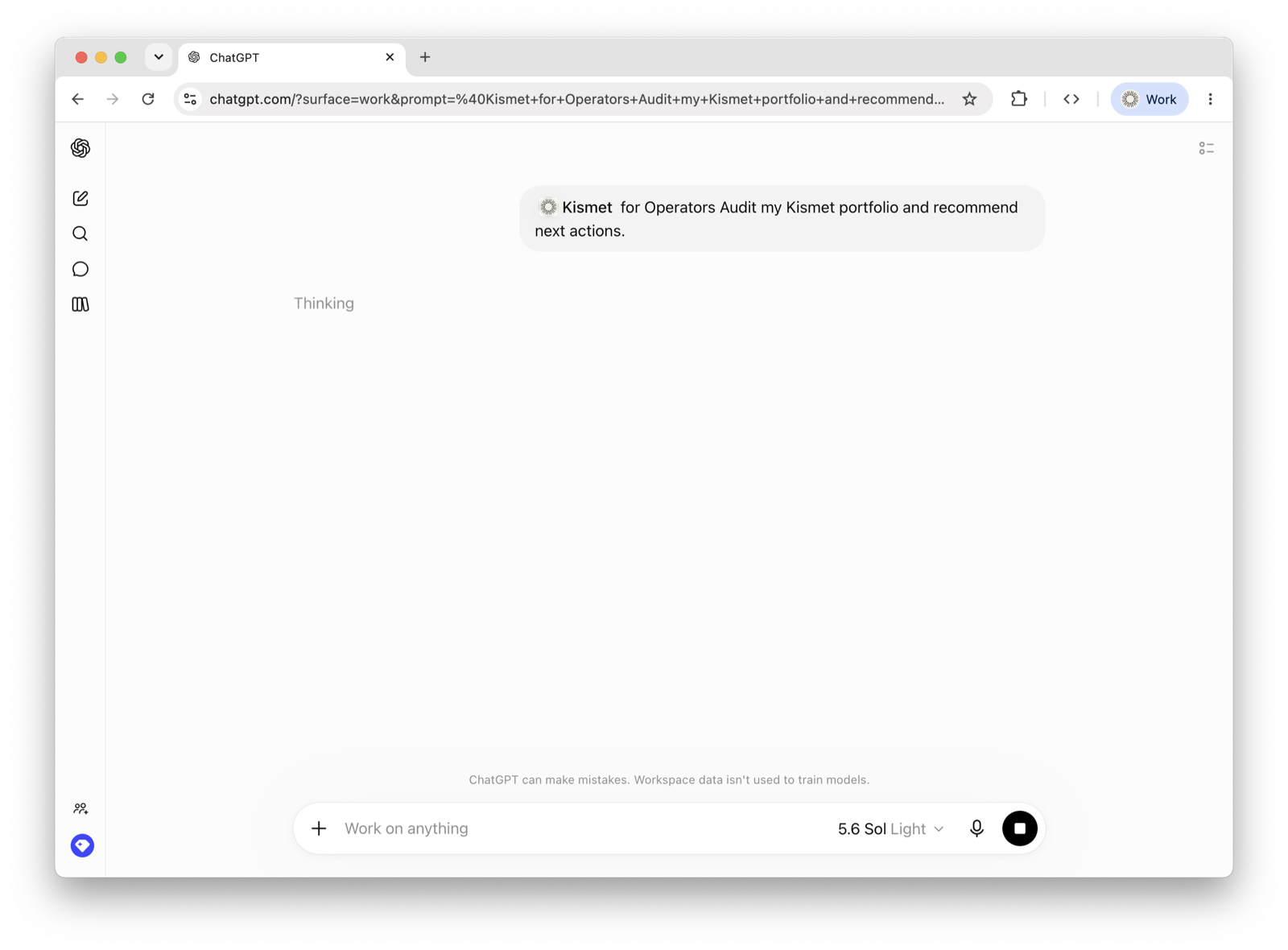
Add the plugin to your ChatGPT workspace by uploading the bundle. It brings the Kismet connection plus ready-to-run operating skills to everyone in the workspace.
Grab the plugin bundle (a .zip) with the button above. It stays current — it always downloads the latest published version.
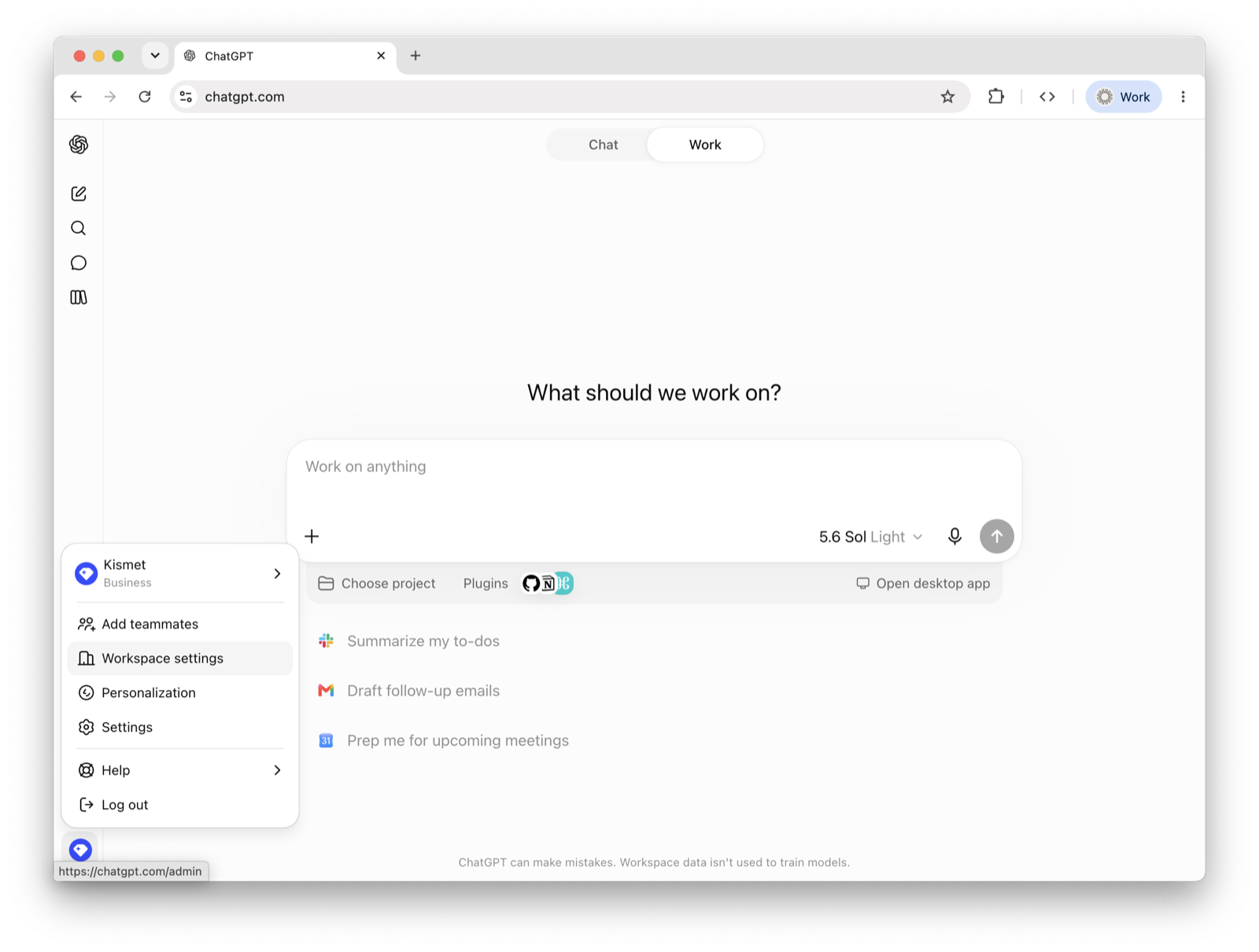
In ChatGPT, go to Admin → Plugins (chatgpt.com/admin/plugins). You need a workspace admin/owner role.
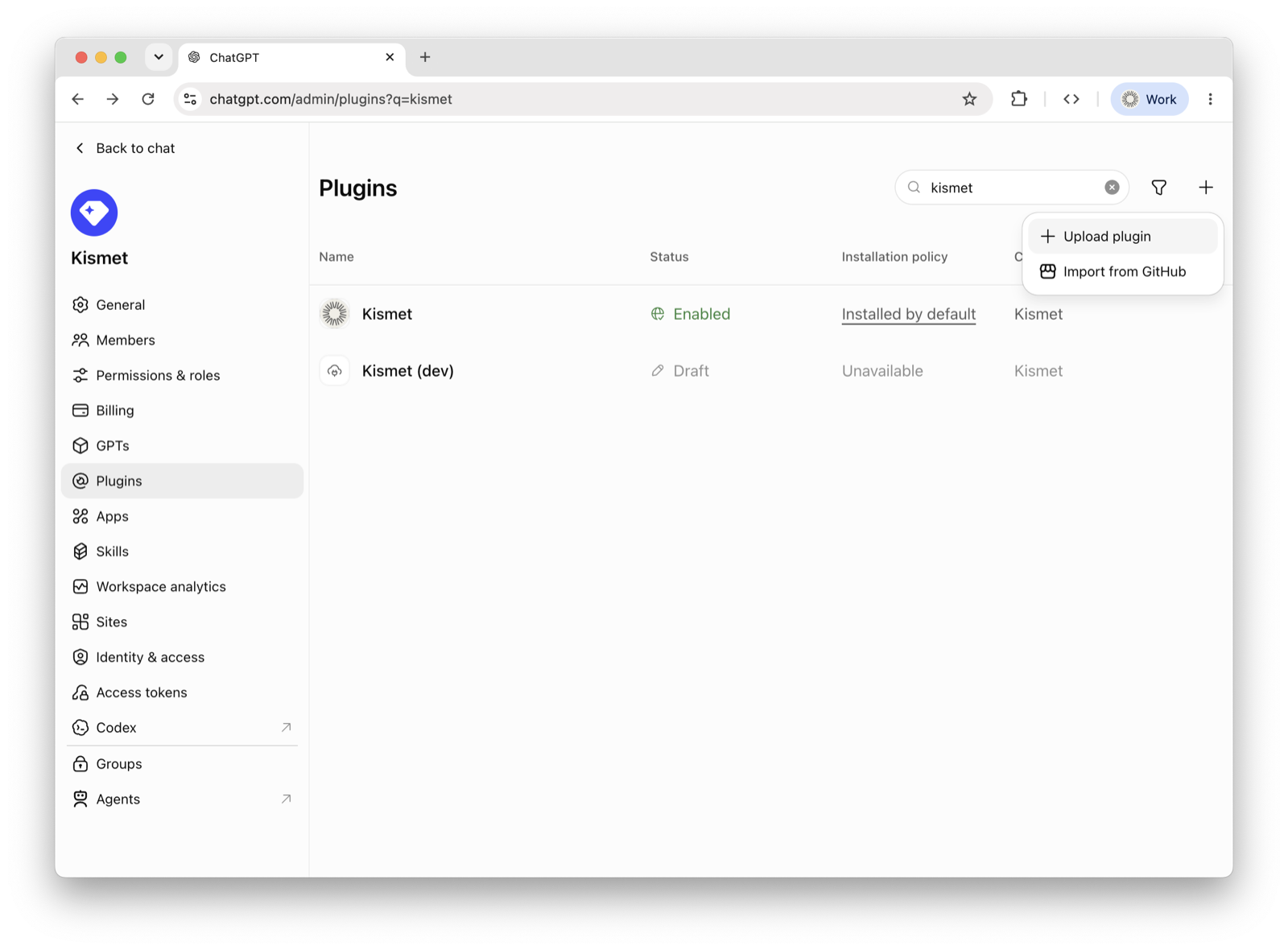
Press the + (top-right), then choose Upload plugin — not Import from GitHub.
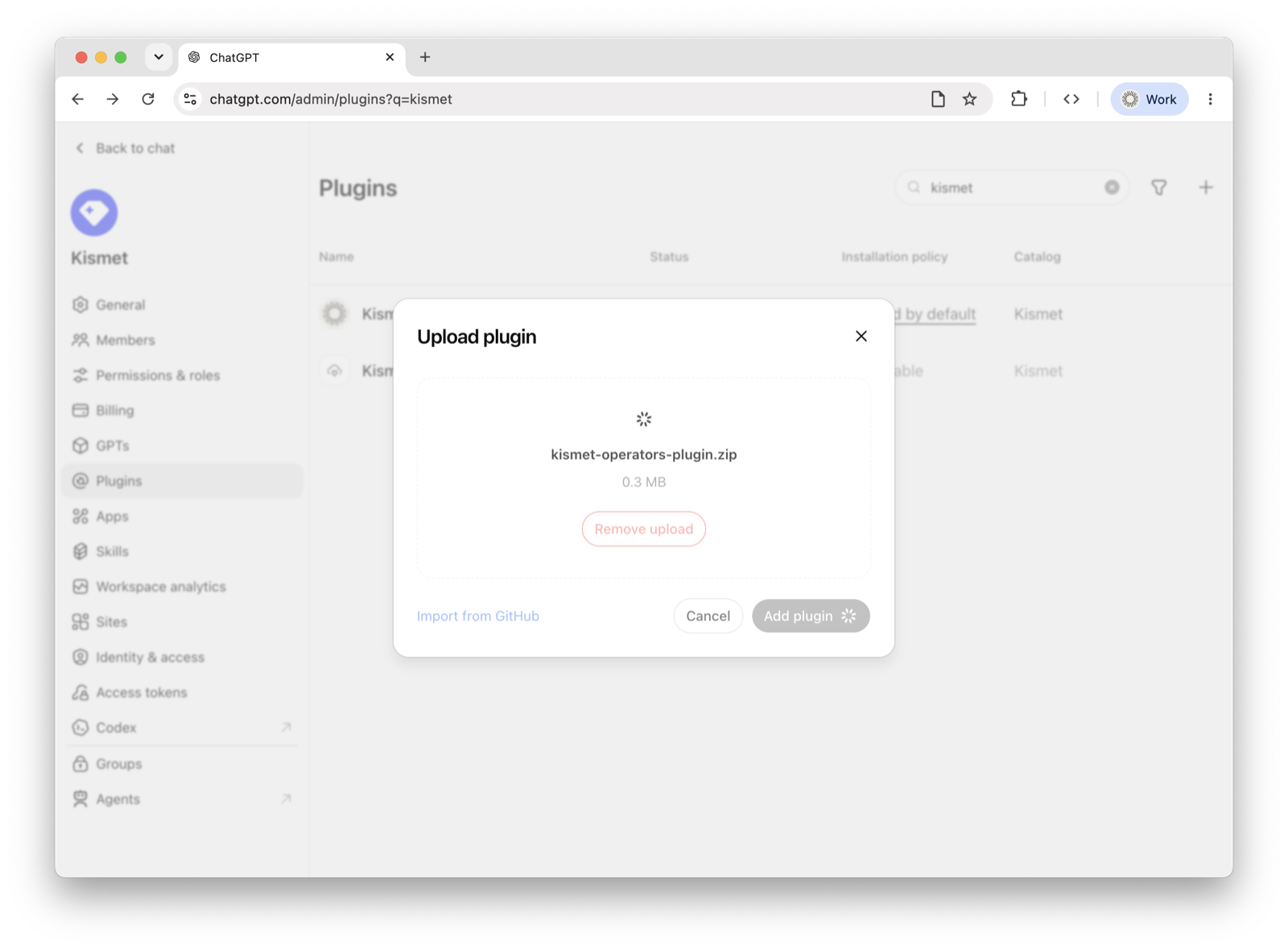
Drop in (or select) the kismet-operators-plugin.zip you downloaded, then press Add plugin.
Kismet for Operators appears — toggle it Enabled. Then set its installation policy: Installed adds it for every workspace member automatically, while Available lets members add it themselves. You'll sign in with your Kismet account the first time a skill needs your data.
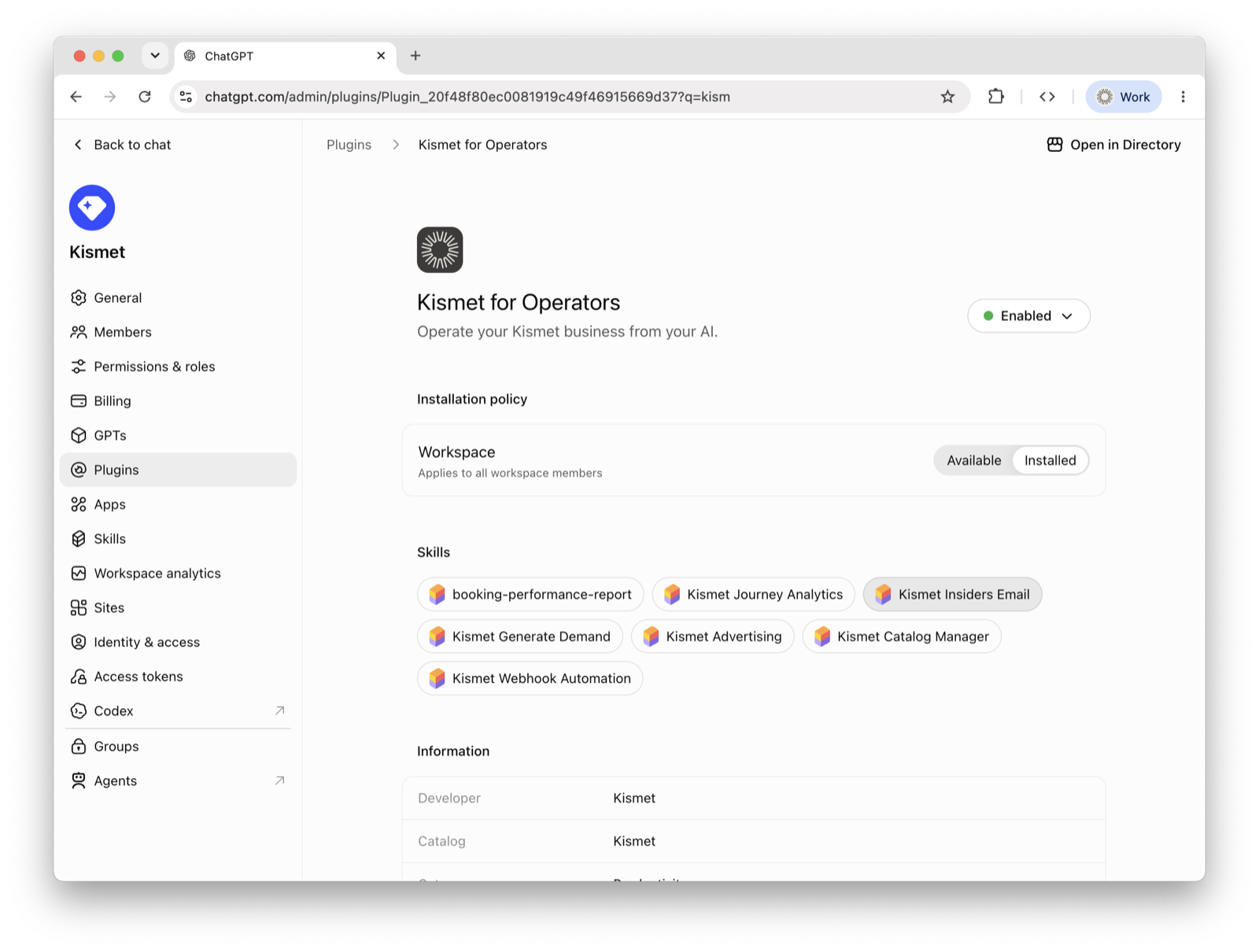
The operating skills are ready — booking-performance-report, Journey Analytics, Generate Demand, Advertising, Catalog Manager, Insiders Email, and Webhook Automation. Ask for an outcome (“fill my empty August nights”) and the plugin routes it.